
Course
Middle School: Creating Digital Art using Google Drawing
ART-90093

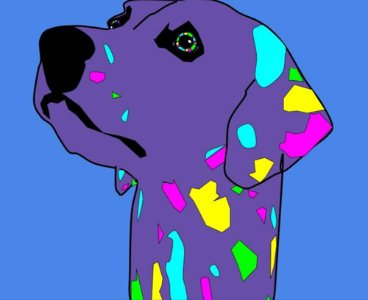
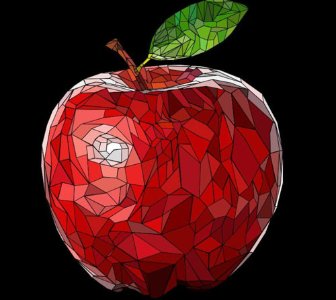
Students will learn to utilize the Google Drawing application to create a variety of digital art, including a mini-poster, a piece of Pop Art, a nature based Mosaic, and a Vector Portrait. At the conclusion of the course, students will be able to create a self-reflection mini poster “All about You,” a piece of Pop Art using a photograph and bold colors, and a simple Landscape Nature Mountain scene using the Polyline tool.
Examples of Student's work:


What you'll learn
- Introduction, seven shape mini-assignment, saving to Google Drive
- Self-reflection Google Doc with mini-poster “All About You” that includes inserted photos, text and color
- Pop art Google slide introduction, history of movement, Insert photo with shapes, color and arrange tool
- Introduction of polyline tool, use tool to create a simple mountain landscape
Course Information
1.50 units
TBD